Home / MacMoney

MacMoney brings your accounts, bills, budgets, and reports into one clear dashboard — plus Financial Checkup, a built-in advisor experience written by a licensed advisory firm, so you get real answers instead of just more data.
macOS 15.0+ · Free iPhone companion · Works offline · No forced cloud account
Answer a six-step questionnaire and get a complete, personalized picture of your finances — with direct, written advice about the decision you're actually facing. It was written by a licensed advisory firm — not generated by software — and it's the one thing other personal finance apps don't offer.
Six quick steps cover you and your household, your income, your monthly spending, what you own, your guaranteed retirement income, and what you owe. Or skip the typing entirely with "Use My MacMoney Input" — it fills the questionnaire straight from your real data.
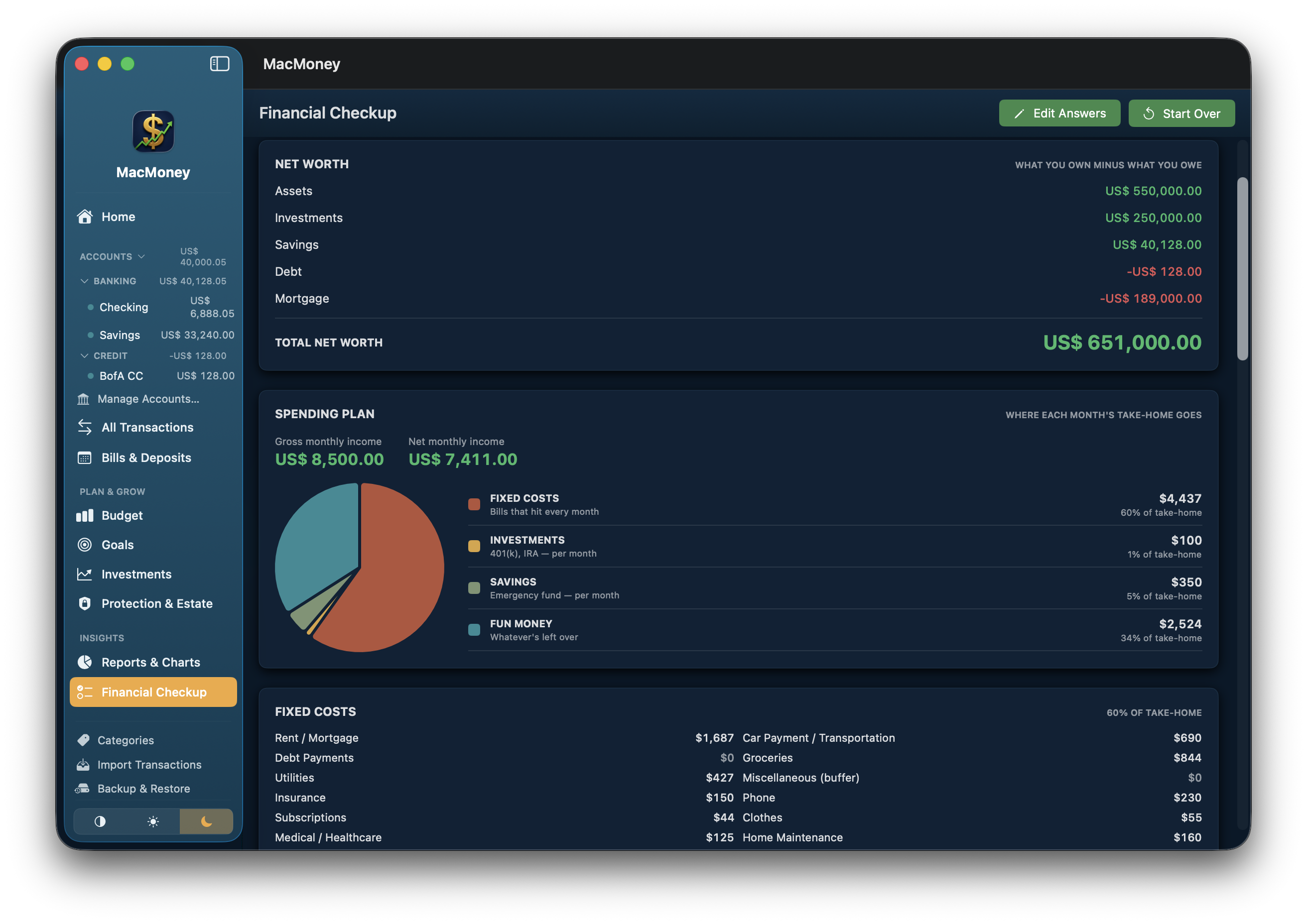
Assets, investments, savings, consumer debt, and mortgage, totaled the way an advisor would present it.
A pie-chart view of where each month's take-home goes across Fixed Costs, Investments, Savings, and Fun Money, with healthy-range guidance for each.
All seventeen expense lines, from rent and groceries to childcare, pets, and family support, with the share of take-home each one consumes.
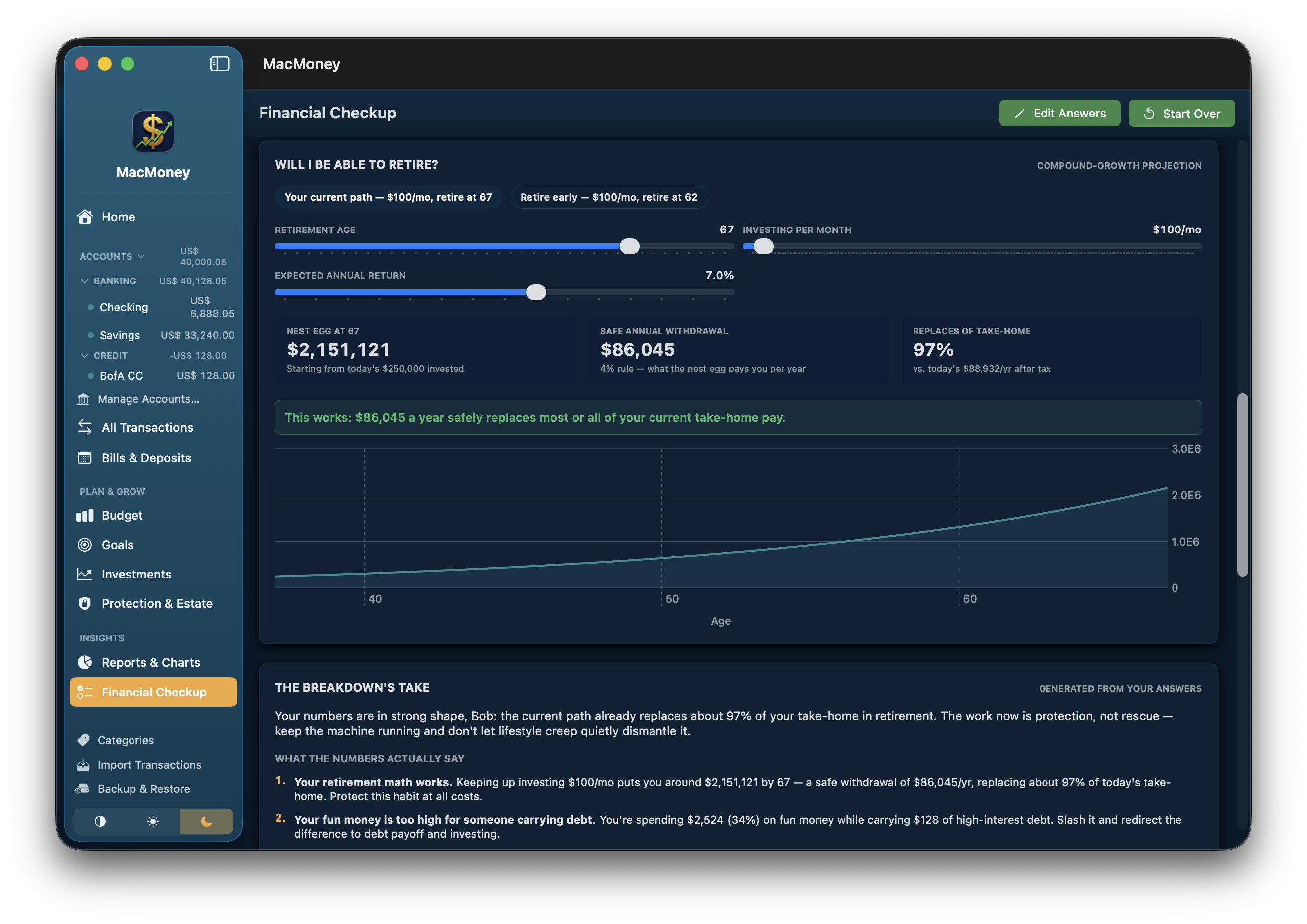
An interactive calculator with sliders for retirement age, monthly investing, and expected return, plus a one-click preset for the contribution that gets you fully funded.
A written assessment generated from your actual numbers — a straight answer to your question, what the numbers say, and a prioritized action plan with real dollar amounts.
Tell the checkup what you're trying to decide, and the assessment addresses it directly. Add a partner, children, or family you support, and the advice adjusts — from your emergency-fund target to whether a second income makes sense.
A full picture of where your finances stand today, no specific decision required.
Your nest egg at multiple ages, and the exact monthly amount that closes any gap.
How many months of runway your savings buy, and whether quitting is survivable.
Pay-cash verdicts, save-per-month plans, and down-payment math for home-sized amounts.
Whether your interest rate beats the market, and the payoff timeline each extra dollar buys.
When your checkup shows people depending on you, a "Protect What You've Built" card calculates your life insurance coverage target using debt and income management principles, then credits the investments you already hold and compares the result to the policies on file in Protection & Estate. If there's a gap, one click requests a coverage review from Lonestar Business Advisors & Insurance, with your numbers already in hand.

Subscription finance apps run rules and detection in their cloud — which means your transactions live there too. MacMoney does the same work on your Mac, with nothing to upload and nothing to leak. The one exception is yours to choose: iPhone Sync, off by default, mirrors your data through your own private iCloud and nothing else.
When a payee or memo contains your text, set the category, rename the payee, or add a note — applied to imports and new entries automatically.
Finds subscriptions in your own history — cadence, annual cost, price hikes, and what quietly stopped charging you.
Projects every cash account against its scheduled bills and flags the exact day one runs short — before it does.
Avalanche vs. snowball on your actual balances, with payoff dates and the interest each plan saves.
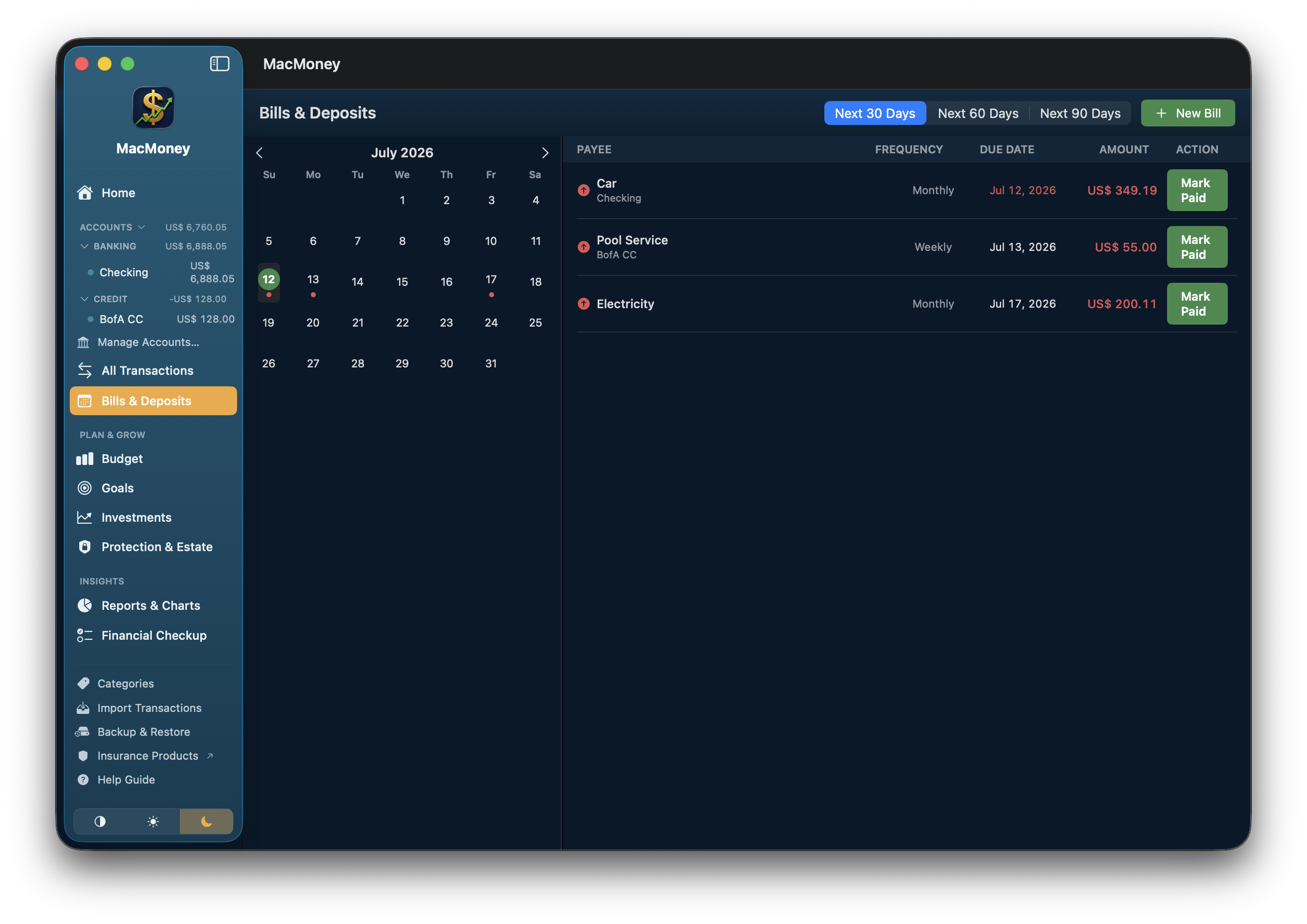
Real notifications before bills are due and policies renew — on your Mac and your iPhone, scheduled on-device, sent by no one.
A daily snapshot kept for a week, on by default, with a status card that says when, how many, and whether anything went wrong.

The free MacMoney companion app puts your balances, budgets, and upcoming bills in your pocket — synced through your own private iCloud, never through a server we operate. Turn on iPhone Sync on the Mac, and your ledger follows you out the door.
Net worth, every balance, this month's budgets, and the next bills due — one screen, always current.
Notifications on the device you actually carry — days ahead and day-of, at times you choose. Swipe to mark a bill paid and it posts on your Mac too.
Set a floor for any account and your iPhone tells you the moment a sync brings a balance below it.
Log an expense at the till in seconds. MacMoney guesses the category, and the entry lands in your Mac's register, flagged for your review.
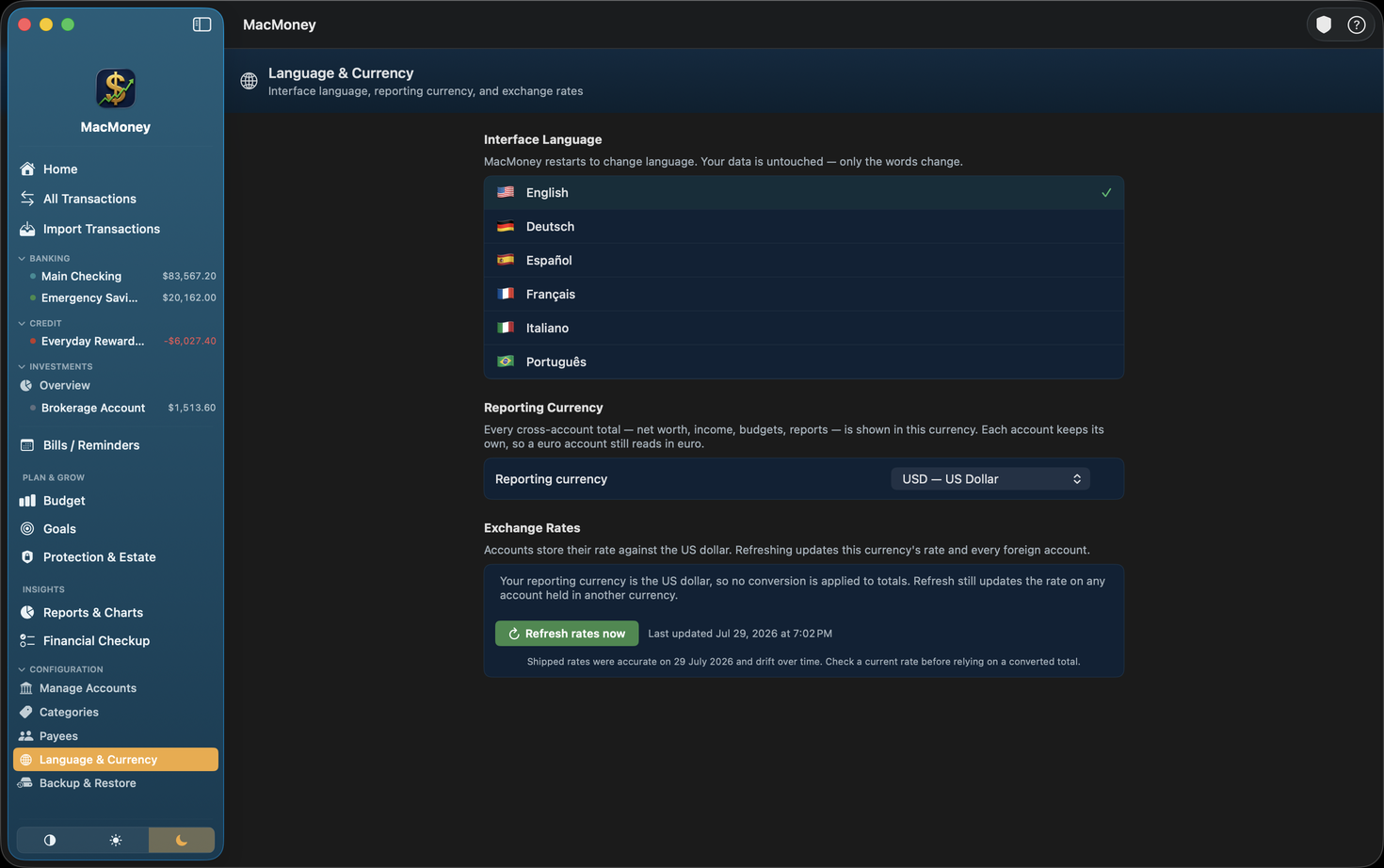
Hold accounts in any of 41 currencies. Pick a reporting currency and every cross-account total — net worth, income, budgets, reports — converts once, while each account still reads in its own money. Transactions keep the exchange rate they were recorded at, so last quarter's report never restates itself when rates move.
Assign a tax line to a category once and every transaction follows. When the year closes, hand your preparer clean reports instead of a shoebox.
The year's income and deductible activity grouped by your own tax lines — and a one-click fix for anything still unassigned.
Every securities sale with proceeds and gain or loss, subtotaled by symbol, with the cost method stated on the page.
All 16 reports export as CSV in their own shape — a balance sheet exports as a balance sheet — plus paginated, print-ready PDFs.
Track bank accounts, credit cards, loans, cash, and investments in one place, with categories built for how you actually budget. Set a budget so you don't overspend where it counts, forecast your balance to head off overdrafts, and reconcile against your statement to catch errors early. When tax time or a big decision comes around, the reports are already built.
Accounts, a budget, and a calendar that actually talk to each other, plus a quiet path to real advice when you want it.
A six-step questionnaire written by a licensed advisory firm turns your real numbers into a written, personalized assessment — exportable as a PDF with every recommendation, not just the highlights.
Rules, subscription detection, and a 90-day balance forecast — the work other apps run on a server, done privately on your Mac.
Tax lines, realized gains, and reports that export as what they are — ready to hand a preparer.
One dashboard for net worth, balances, bills, and what changed — every number a door to its detail, and ⌘F searches everything, even amounts.
A Needs Attention inbox right on the dashboard — overdue bills, an account about to run short, categories over budget — plus bill reminders as real macOS notifications and daily automatic backups. The app minds the store.
No server of ours, no bank logins, no account to create. Your data lives on your Mac and works entirely offline — optional iPhone sync runs through your own private iCloud.
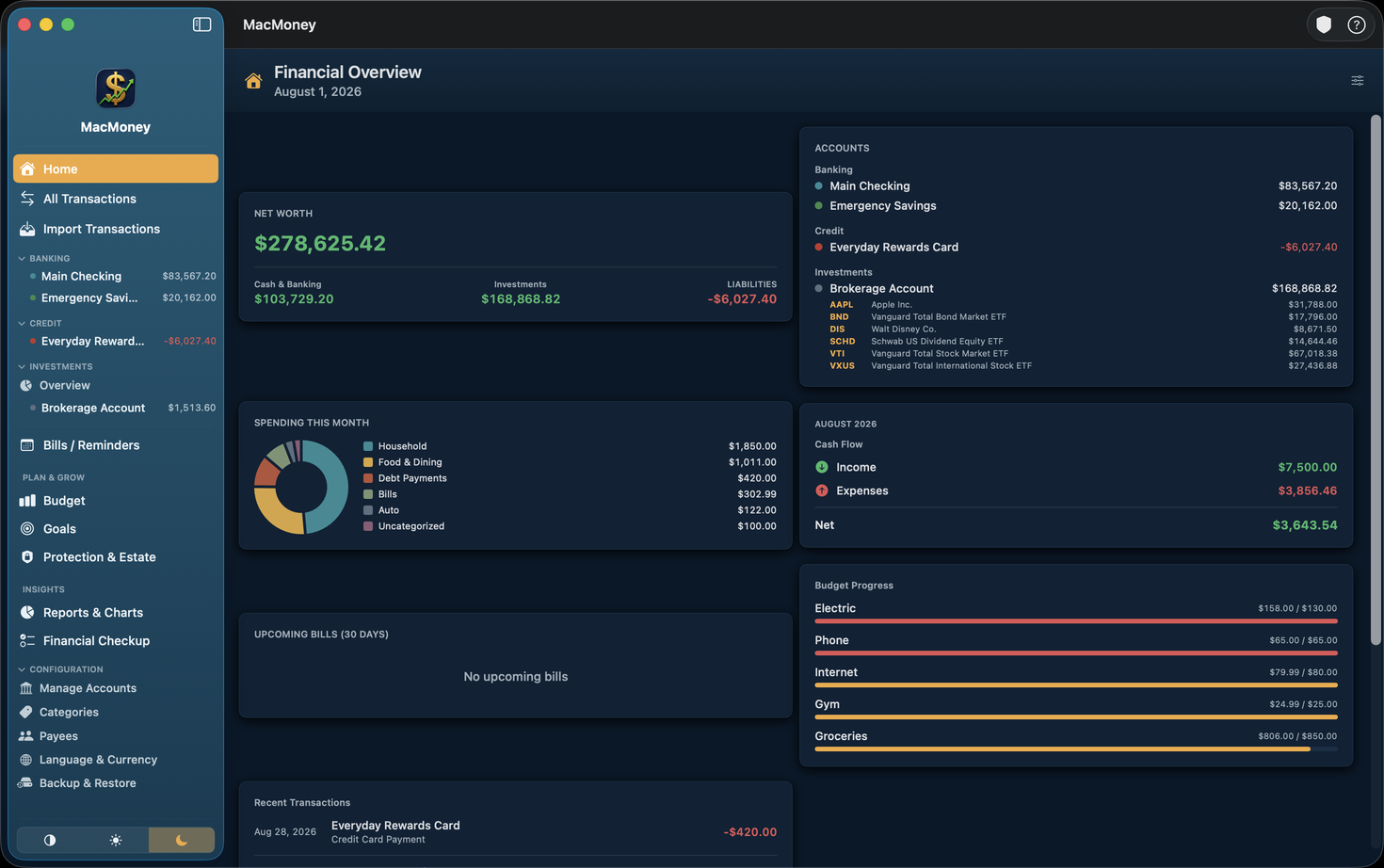
Net worth, assets, liabilities, and every account balance, updated the moment you record a transaction — nothing to refresh or recalculate.
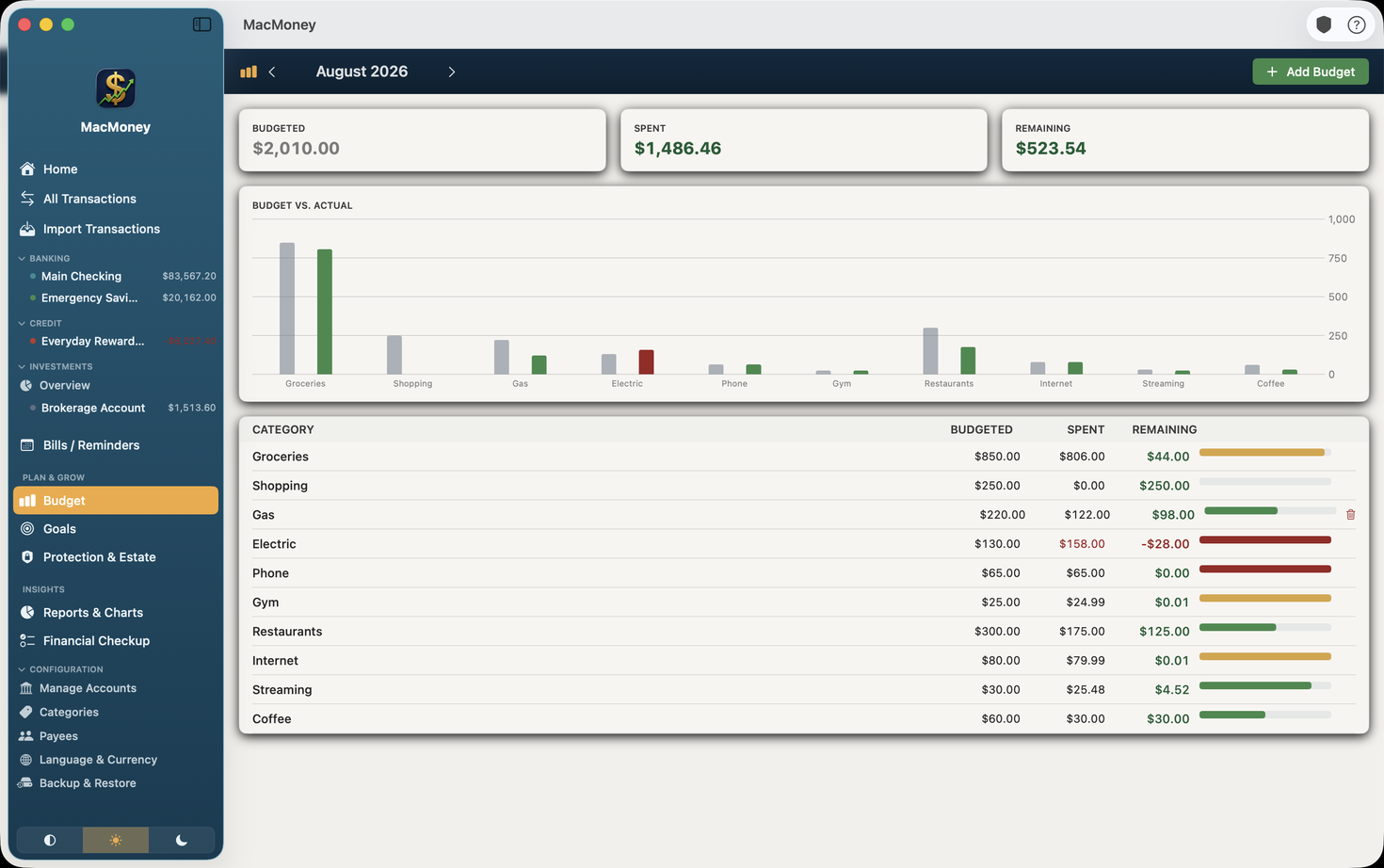
A category-by-category view of where this month's money actually went, next to a budget that tracks itself as you spend — not just at month's end.
MacMoney quietly flags the moments worth a second opinion — like missing insurance coverage or an incomplete estate plan — right on your dashboard, with a direct line to a licensed Lonestar advisor.

The fundamentals, done properly, plus a direct line to a licensed advisor for professional assistance.
Categories, account types, colors, and column order — set up MacMoney the way you actually think about money, not the way a template assumes you do.
No account of ours, no server of ours. Your file lives on your Mac, backed up automatically every day, and the app works entirely offline. Turn on iPhone Sync and the synced copy lives only in your private iCloud.
Desktop, laptop, the iPhone in your pocket — one subscription covers them all, and Family Sharing extends it to up to six people.
Support comes out of the same Carrollton, TX office as Lonestar Business Advisors — a real area code, a real person, no offshore ticket queue.
A 20-minute review of life, disability, and umbrella coverage against where your finances actually stand today.
Make sure your will, beneficiaries, and accounts in MacMoney actually agree with each other.
If your accounts include a business you own, find out what it's worth, and what would change that number.
One plan, everything included. Nothing is charged for the first 30 days — cancel in the App Store before day 30 and you pay nothing.
The Financial Checkup is built on US retirement and tax rules, and every figure in it is in US dollars. Accounts, budgets, and reports work in any currency.
Starts with a 30-day free trial
Start your free trial of MacMoney, and bring in a Lonestar advisor only when your numbers raise a question worth asking.